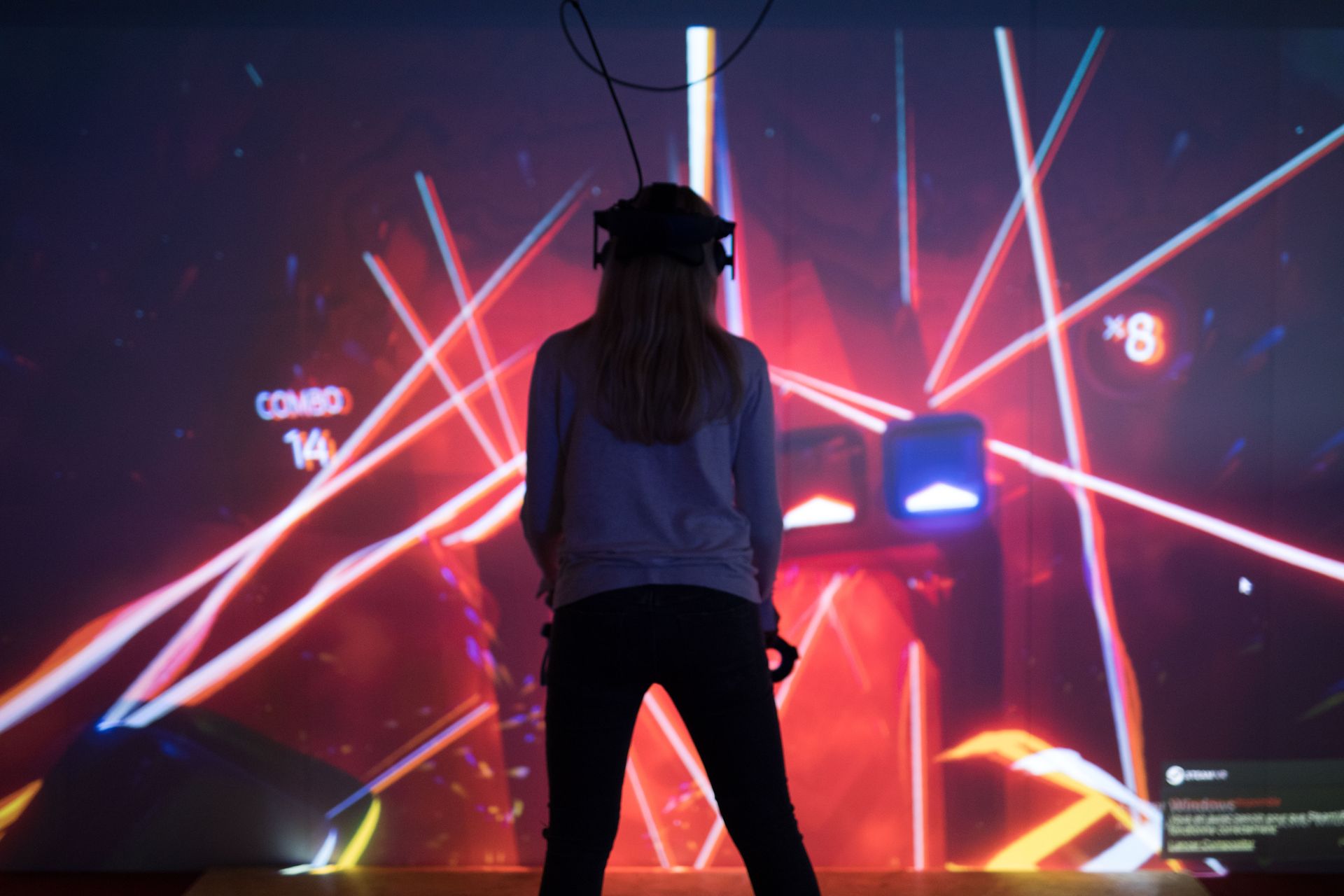
Virtual reality (VR) is a technology that, by immersing us in virtual environments, has the power to transform the way we interact with the world. It is now possible to play video games on a whole new level or explore unknown worlds without leaving our living room. The virtual reality headset is the tool that makes this experience possible. But how do you use it? Here is a practical guide to help you understand how to use a virtual reality headset.
Don't want to invest in your own equipment? At VR-Hut in Waterloo, you can try out VR headsets right away in our immersive rooms—on your own, with friends, or with family.
Book your session →Technical requirements for using a VR headset
Before diving into the world of virtual reality, you’ll need the right equipment. Depending on the type of virtual reality headset you choose, the technical requirements may vary.
The PC VR headset
If you choose a VR headset designed for use with a PC, you’ll need a computer powerful enough to run virtual reality applications. This generally means having at least an Intel Core i5 processor, an Nvidia GTX 1050 Ti graphics card or better, and at least 8 GB of RAM. The Oculus Rift and HTC Vive are good examples of this type of headset.
The standalone VR headset
On the other hand, there are standalone VR headsets, such as the Oculus Quest, that don’t require a powerful computer to run. These devices have everything they need built right into the headset. As a result, they are more accessible and easier to use for the average user.
The VR headset for consoles
If you're a console gamer, options like PlayStation VR are available. In that case, you'll need the corresponding console to use the VR headset.
Installing and Setting Up the VR Headset
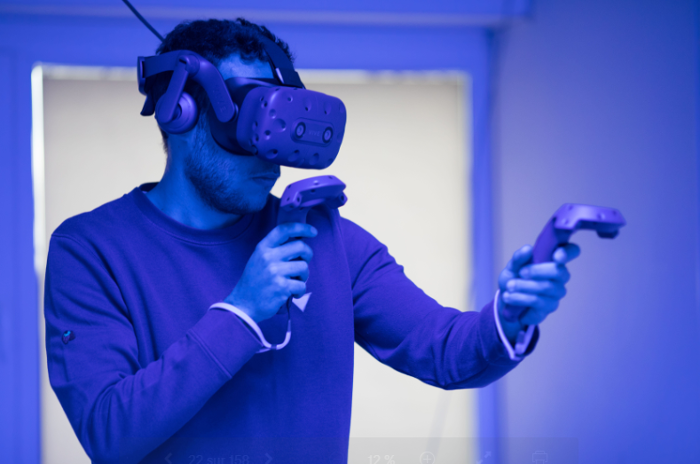
The first step in using a virtual reality headset is to set it up and configure it properly. This step typically involves putting on the headset, connecting it to a computer or console, installing the necessary software, and configuring the gaming environment.
Assembling the helmet
Most VR headsets come in several parts, including the headset itself, one or more controllers, and sometimes external sensors. Carefully follow the manufacturer’s instructions to assemble and connect each component.
Software Installation
Once you've set up your headset, take the time to install the necessary software. This often includes VR management software provided by the headset manufacturer, as well as VR-specific apps or games.
Setting up the play area
You will also need to set up your play area. Most VR headsets require a certain amount of space to allow the user to move around freely.
How do you use VR controllers?
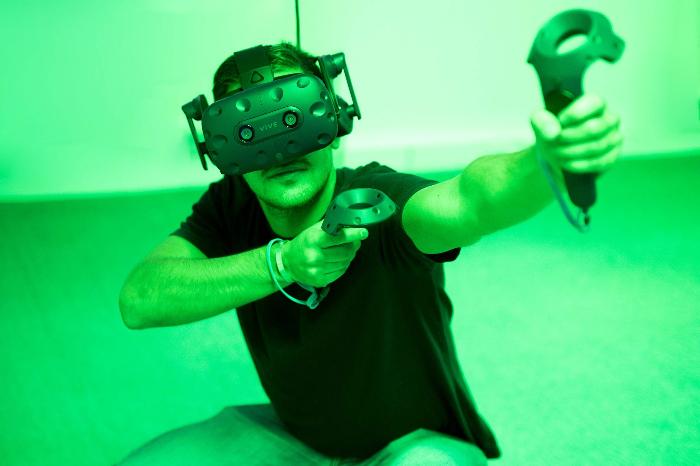
VR controllers are your primary means of interaction within the virtual environment. They can be used to navigate menus, interact with objects, and even control your virtual movements. Currently, most VR controllers have several buttons and joysticks, as well as motion sensors that track the movements of your hands in 3D space. Take the time to learn how each button and joystick works, and practice until you feel comfortable with the controls.
Want to see exactly what these controllers can do? Check out the selection of games available at VR-Hut in Waterloo.
Immersion in the virtual reality environment
Once you've set up your VR headset and gotten the hang of the controllers, it's time to start exploring the virtual environment. The possibilities are virtually endless, ranging from immersive video games to virtual museum tours and VR movies.
Adapting to virtual reality
It may take some time to get used to virtual reality. It’s normal to feel a little disoriented or nauseous at first. Take regular breaks and don’t try to do too much at once. Over time, you’ll get used to the feeling of being in a virtual environment and will be able to fully enjoy everything virtual reality has to offer.
Things you can do with a virtual reality headset
Virtual reality headsets offer a wide range of experiences, from video games to learning and exploring new places.
Virtual reality video games
Video games are undoubtedly the most well-known application of virtual reality. With a VR headset, you can fully immerse yourself in the game world, whether you're fighting zombies, driving a race car, or exploring a fantasy world.
Virtual Tour
VR headsets also let you explore places you wouldn't otherwise be able to visit. For example, you can visit museums around the world, discover archaeological sites, or even explore space.
Virtual Reality Learning
Virtual reality can also be a powerful learning tool. Whether it’s for learning a new language, understanding complex scientific concepts, or even practicing practical skills—such as car repair—the immersive experience offered by virtual reality can make learning more engaging and effective.
Frequently Asked Questions About Using a VR Headset
How do you turn on a VR headset?
Most VR headsets are turned on using a power button located on the side or back of the headset (press and hold for 2–3 seconds). Standalone headsets like the Meta Quest boot directly into their own interface; wired PC headsets also require that the computer and the manufacturer’s VR software be running before you put on the headset.
How do you adjust a VR headset (head strap, interpupillary distance)?
First, adjust the rear and top straps so that the headset fits securely without pressing against your face, then adjust the IPD (interpupillary distance) dial until the image is sharp and free of double vision. An incorrect IPD setting is the most common cause of discomfort or blurriness at the start of a session.
How do you use the controllers for a VR headset?
Each hand holds a controller equipped with buttons, a joystick, and a trigger, which are tracked in space by the headset's sensors. The trigger is generally used for grabbing or shooting, the joystick for moving or turning, and the side buttons for opening menus. It only takes a few minutes of practice to get the hang of it.
How does a virtual reality headset work?
A VR headset displays a different stereoscopic image for each eye (creating a sense of depth) and tracks head and hand movements in real time using sensors or cameras, so that the virtual environment reacts exactly as the real world would.
How can I use a VR headset for the first time without getting dizzy?
It's normal to feel a little disoriented during the first few minutes. Start with calm, seated experiences, take regular breaks every 15–20 minutes, and stop at the first sign of discomfort: your tolerance will increase with practice. In a supervised environment (such as at VR-Hut), an operator will adjust the experience as needed.
Want to try it right away?
Instead of buying a headset, come try one out at VR-Hut in Waterloo: you can book our immersive rooms and our selection of games online—whether you're coming alone, with friends, or with family.
Book my session →